Sharp is one of the most famous packages in the Node.js ecosystem — the go-to recommendation for image manipulation, conversion, and even editing, listed as a dependency in many large projects. But one thing people rarely talk about is creating a brand-new image from scratch with Sharp — that's what we'll cover.
TL;DR
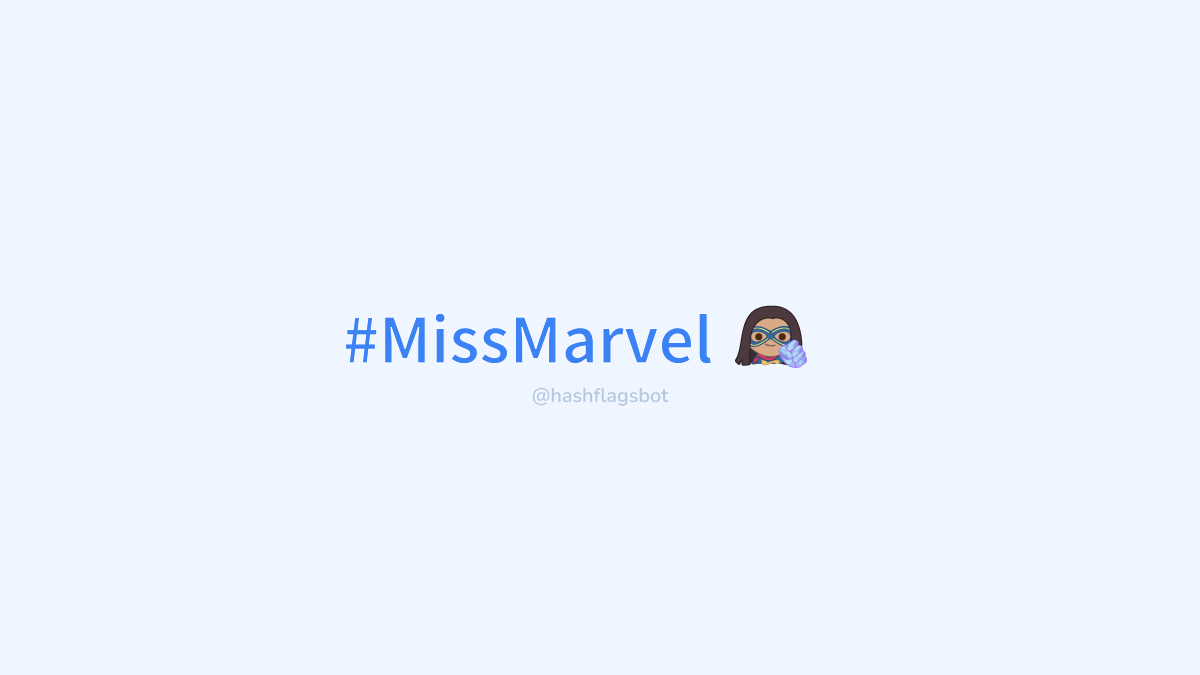
To make an image like the one above you'll need multiple calls to the composite method, like Photoshop layers, plus Buffer and SVG packages for text.
Creating an image
See the official Sharp compositing documentation. To create a new image, instantiate Sharp with parameters inside the create key, then call .png() to indicate we're creating a new PNG image.
Using composite
Now that we have a base image, how do we add elements on top? With composite — it merges different images and returns the result so we can continue. Call composite multiple times on the same instance and Sharp does the rest.
Adding text
Since Sharp supports jpeg, png, webp, gif, and svg, you can create SVG text and insert it into the base image via code. For the example I use text-to-svg to vectorize text.
Rendering the new image
With the image built entirely in code it's time to export. Sharp offers .toBuffer and .toFile output methods.